

Action Conditions
This page explains how to configure action conditions in the EcoPhi Portal for sites where controls or logic functions are available. Action conditions can be used to adjust project-specific parameters that are sent directly to the connected device.
Under the “Site Details” of a Site, go to the “Action Conditions” tab, where you can define action conditions such as controls and logic parameters. The availability depends on your specific project and if action conditions have been initially set up for your Site.
Example:
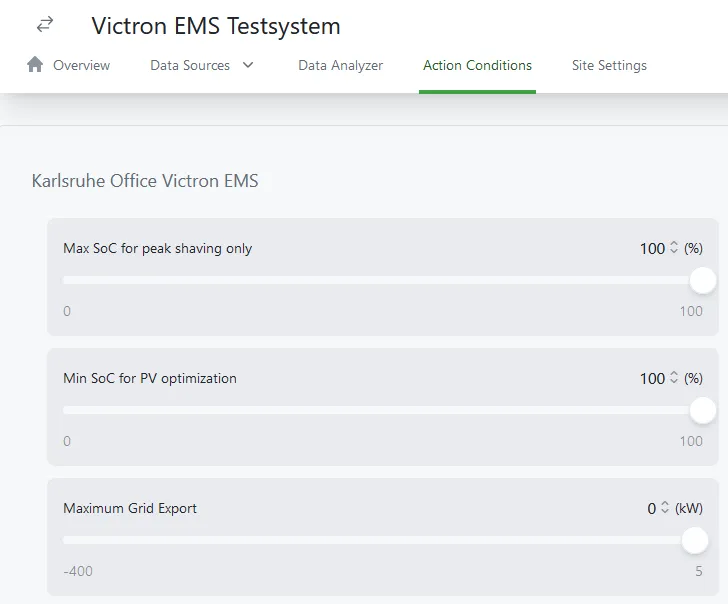
Once you have done the changes, click “Save”.
To undo the changes, click “Reset”.