

Account Settings
This page explains how to manage your EcoPhi account settings. It covers account registration, email verification, profile updates, password changes, and account deletion.
Registration
Create a new account
To create an account, go to the Sign-up page and click on “Don’t have an account? Sign-up here”.
Enter your name and password and click “Sign up”.
You will receive an email to verify your email address. Check your spam folder if you do not receive the email.
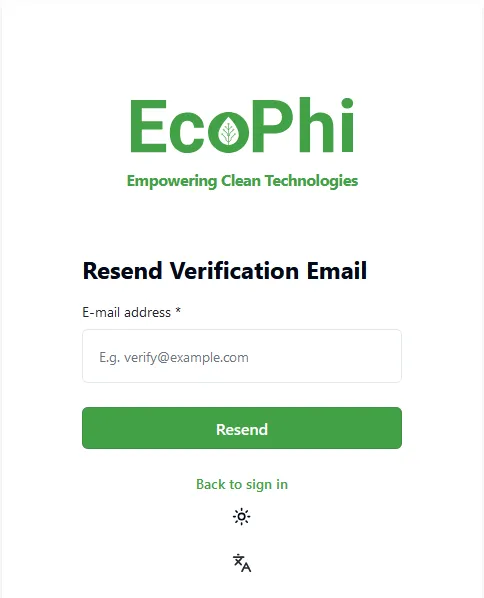
Enter your email address and click “Resend”.
Profile and Security
Change Account Settings
You can open Account Settings from the top navigation bar by clicking your user profile icon. The top navigation is shown in EcoPhi Portal Structure. In Account Settings, you can change your profile picture (avatar), name, email address, localization, and theme.
Change Password
At the bottom of the Account Settings page, enter your current password and new password, then click “Change password”.
Delete Account
At the bottom of the Account Settings page, click “Yes, Delete”.
You will be required to confirm the deletion.